WhatsApp is introducing one of its biggest privacy updates yet: usernames. Instead of sharing your phone number with everyone, you’ll soon be able to connect using a unique WhatsApp username.
The feature has generated massive interest worldwide, with millions of users searching for how to create a WhatsApp username, when it will be available, and how it works.
If you’re wondering how to set up your own username, this guide explains everything you need to know.
What Is a WhatsApp Username?
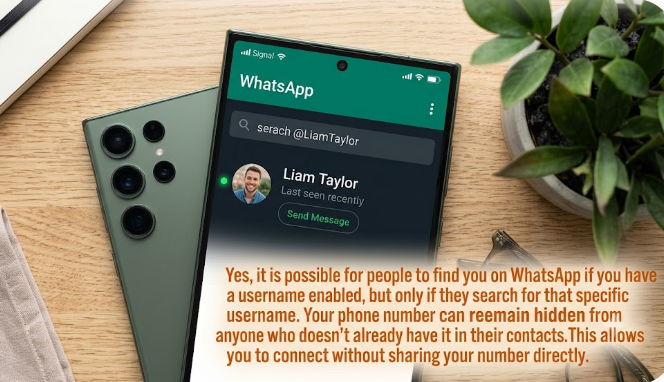
A WhatsApp username is a unique name that other people can use to find and message you without needing your phone number.
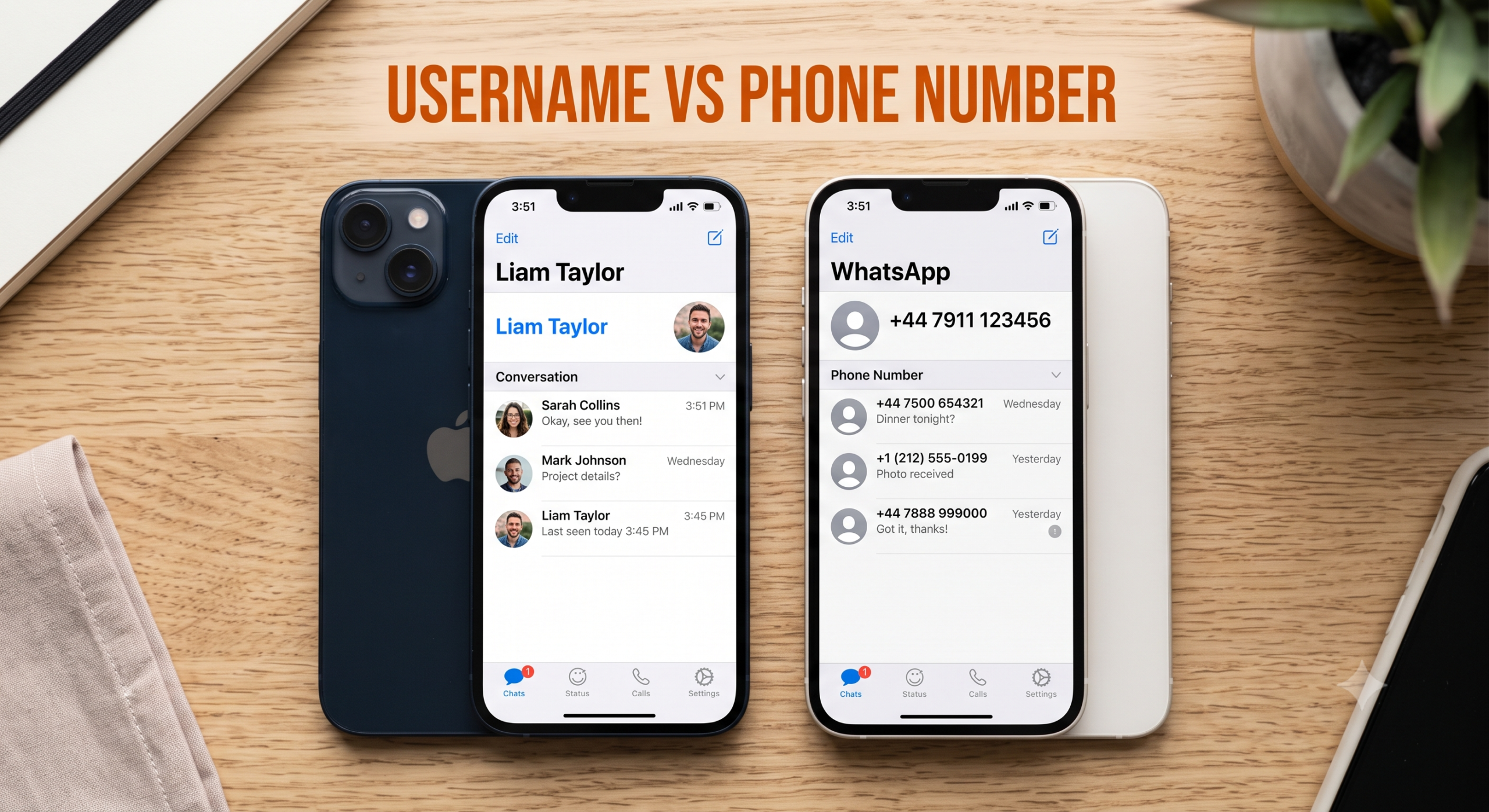
For years, WhatsApp accounts have been linked only to mobile phone numbers. With the introduction of usernames, users will have an additional way to connect while keeping their phone numbers private.
This feature is expected to improve privacy, especially when chatting with people you don’t know personally, such as customers, online buyers, sellers, classmates, or members of community groups.
Is the WhatsApp Username Feature Available?
The username feature is being introduced gradually.
If you don’t see it in your WhatsApp settings yet, don’t worry. WhatsApp usually releases major features in phases before making them available to everyone.
To improve your chances of getting the feature early:
- Update WhatsApp to the latest version.
- Join the official WhatsApp Beta program if it’s available in your region.
- Keep checking for new app updates.
How to Create a WhatsApp Username
Once the feature becomes available on your account, follow these steps:
Step 1: Open WhatsApp
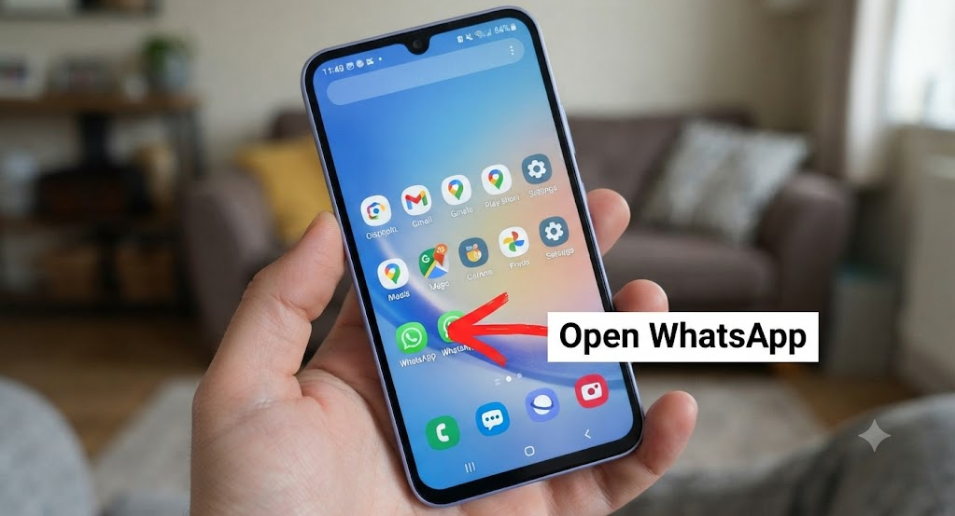
Launch the latest version of WhatsApp on your smartphone.
Step 2: Go to Settings
Tap the Settings menu.
On Android, tap the three dots in the top-right corner and select Settings.
On iPhone, tap the Settings tab at the bottom.
Step 3: Open Your Profile
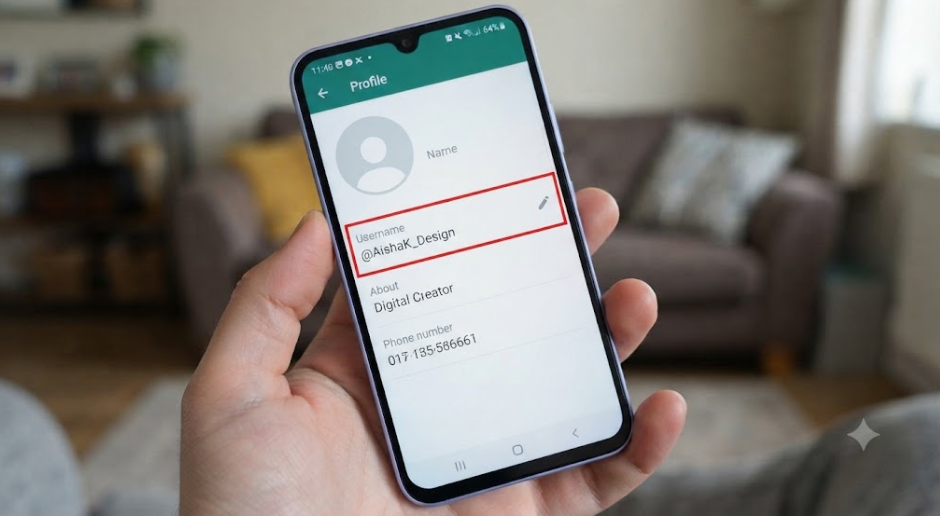
Tap your profile at the top of the Settings page.
Step 4: Select Username
If the feature is available, you’ll see a new Username option.
Tap it.
Step 5: Choose Your Username
Enter the username you’d like to use.
WhatsApp will automatically check whether it’s available.
If someone else is already using it, you’ll need to choose another one.
Step 6: Save Your Username
Once you’ve selected an available username, confirm your choice.
Your username will now be linked to your WhatsApp account.
Tips for Choosing a Good WhatsApp Username
A good username should be:
- Easy to remember.
- Easy to spell.
- Professional if you use WhatsApp for business.
- Unique enough that people can find you easily.
- Short rather than overly long.
Examples include:
- johnsmith
- nomsa24
- techguru_sa
- chefmike
- travelwithamy
Avoid usernames that contain sensitive personal information such as your full address, identity number, or date of birth.
Why Is WhatsApp Adding Usernames?
The new feature offers several benefits.
Better Privacy
You won’t always need to give strangers your phone number.
Easier Connections
People can search for you using your username instead of saving your number first.
Improved Business Communication
Businesses, freelancers, creators and entrepreneurs can share a simple username with customers.
More Professional Profiles
A memorable username looks cleaner than sharing a long phone number.
Will My Phone Number Still Be Required?
Yes.
Your WhatsApp account will still be registered using your mobile phone number.
The username simply provides another way for people to connect with you.
Can Two People Have the Same Username?
No.
Just like email addresses or social media handles, every WhatsApp username must be unique.
If your preferred username has already been taken, you’ll need to choose another variation.
Can I Change My WhatsApp Username Later?
Yes.
WhatsApp is expected to allow users to change their usernames, although there may be limits on how often you can do so.
If you change your username, people will need to use the new one to find you.
What Happens If My Preferred Username Is Already Taken?
This is likely to happen with common names.
You can try adding:
- Your profession
- Your city
- A meaningful number
- Initials
- An underscore if allowed
For example:
- sarah_design
- david23
- mike_za
- cheflinda
Choose something you’ll be happy using for years.
Will Usernames Replace Phone Numbers?
No.
Phone numbers remain the foundation of WhatsApp accounts.
The username is an additional privacy feature, not a replacement for your registered number.
Frequently Asked Questions
How do I know if I have WhatsApp usernames?
Check your profile settings. If you see a Username option, the feature has reached your account.
Is creating a WhatsApp username free?
Yes. There is no charge to create or use a WhatsApp username.
Can people message me using only my username?
Once the feature is fully rolled out, your username is expected to allow people to find and contact you without needing your phone number, subject to your privacy settings.
Can I delete my username?
WhatsApp is expected to provide options to edit or remove usernames if you no longer wish to use one.
Final Thoughts
WhatsApp usernames represent one of the platform’s biggest privacy improvements in years. They will make it easier to connect with friends, customers and communities without exposing your phone number.
Although the feature is still rolling out, it’s a good idea to think about the username you’d like to reserve. Popular usernames are likely to be claimed quickly once they become widely available.
Keep your WhatsApp app updated, watch for new feature releases, and choose a username that is simple, memorable and reflects your identity or brand.
Related Articles
- WhatsApp Username vs Phone Number: What’s the Difference?
- Can Someone Find You Using Your WhatsApp Username?
- Why Can’t I Create a WhatsApp Username? Common Fixes
- Best WhatsApp Username Ideas for 2026